
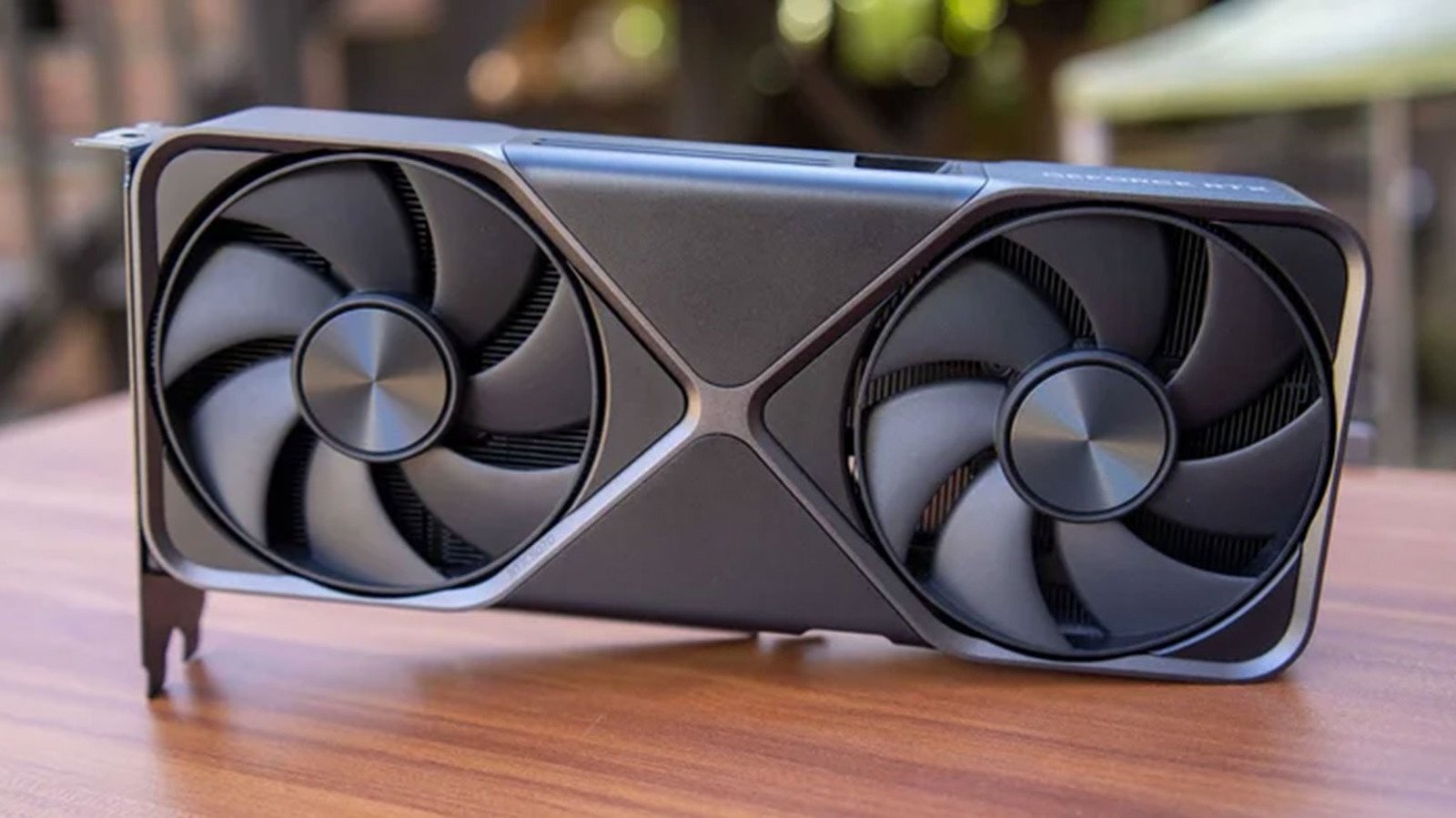
How NVIDIA DLSS Transforms Gaming Performance
NVIDIA DLSS represents a breakthrough in real-time rendering that lets gamers push graphical fidelity beyond native hardware limits. This proprietary upscaling technology leverages deep learning algorithms trained on NVIDIA’s supercomputers to reconstruct lower-resolution frames into sharp, detailed images at your monitor’s native resolution. When enabled, your graphics card renders fewer pixels initially, then the AI model intelligently fills in missing detail using motion vectors, depth buffers, and temporal data.
Breaking Down the NVIDIA DLSS Rendering Pipeline
The process begins with your GPU rendering a game at a reduced internal resolution — significantly fewer pixels than your display requires. For example, on a 4K monitor, Quality mode renders at 1440p internally before upscaling. This reduction means the graphics processor completes each frame faster, directly translating to higher frame rates. Furthermore, a convolutional neural network analyzes multiple previous frames alongside motion vectors to predict what the native-resolution image should look like. Consequently, the reconstruction often matches or exceeds native rendering in specific scenarios.
Choosing the Right NVIDIA DLSS Preset for Your Setup
Three primary presets control the internal rendering resolution and resulting quality trade-offs. Quality mode renders at 66.7% of target resolution, delivering the sharpest image with moderate performance gains. Balanced mode drops to 58%, offering a middle ground suitable for most scenarios. Performance mode renders at just 50% — 720p internal for 4K output — maximizing frame rates for competitive play or high-refresh displays. Additionally, Ultra Performance mode exists for extreme cases, rendering at 33% resolution.
- Quality: Best image fidelity, moderate FPS boost
- Balanced: Recommended starting point for most users
- Performance: Maximum frames for competitive gaming
Moreover, developers integrate the technology differently across titles. Some implementations include additional features like ray reconstruction or frame generation on newer RTX 40-series hardware. Checking individual game benchmarks helps determine which preset suits your specific hardware configuration and visual preferences. For instance, Cyberpunk 2077 showcases the technology’s strengths with ray-traced lighting.
Practical Tips for Optimal NVIDIA DLSS Results
Always set the output resolution to match your monitor’s native panel resolution — this ensures the upscaler targets the correct pixel count. Additionally, enable the technology in-game rather than through driver-level forcing, as developer integration typically yields superior results. For ray-traced titles, combining upscaling with hardware-accelerated ray tracing often delivers playable frame rates that would otherwise be impossible at native resolution. Ultimately, this AI-powered approach has become essential for modern PC gaming, allowing mid-range cards to handle demanding titles at high settings. As models continue improving through driver updates, the gap between upscaled and native rendering narrows further. Official NVIDIA DLSS page provides detailed specifications.
Nvidia Dlss Market Impact and Industry Significance
The introduction of Nvidia Dlss represents a pivotal shift in modern technological adoption across enterprise and consumer sectors alike. Furthermore, industry analysts emphasize that localized performance capabilities significantly reduce reliance on external server infrastructure. Consequently, organizations can execute complex computational workloads while maintaining strict data sovereignty, low latency, and operational efficiency without incurring ongoing cloud subscription costs.
Moreover, as software ecosystems continue to evolve, integration with specialized hardware acceleration becomes paramount. Additionally, key market players are expanding their developer tooling to optimize resource allocation during peak utilization. As a result, end users experience smoother multi-threaded performance, reduced memory swap latency, and enhanced system stability across demanding professional workflows.
Performance Benchmarks and Practical Nvidia Dlss Scenarios
In real-world deployment scenarios, evaluating sustained throughput and thermal efficiency is essential for technical decision-makers. Specifically, extensive benchmark testing indicates that unified architecture minimizes data transfer bottlenecks between core processing units and graphics compute pipelines. Therefore, demanding tasks operate with minimal compute overhead.
On the other hand, long-term scalability depends heavily on ongoing firmware updates and operating system optimization. Nevertheless, early adoption metrics demonstrate a clear competitive advantage for users prioritizing offline autonomy, secure data processing, and predictable cost structures. Ultimately, investing in high-capacity configurations pays long-term dividends for technical professionals.
Ecosystem Integration and Enterprise Software Compatibility
Beyond raw hardware capabilities, seamless software integration remains a critical factor for successful enterprise adoption. Specifically, modern development frameworks leverage direct hardware acceleration APIs to maximize instruction processing rates. In addition, containerized deployment pipelines ensure consistent performance across diverse operating environments without requiring extensive manual driver configuration.
Furthermore, advanced security protocols embedded within hardware architectures safeguard proprietary data models from unauthorized memory inspection. Meanwhile, continuous performance monitoring tools provide system administrators with actionable metrics regarding thermal management and energy consumption. Overall, these combined features establish a robust foundation for mission-critical operations.