
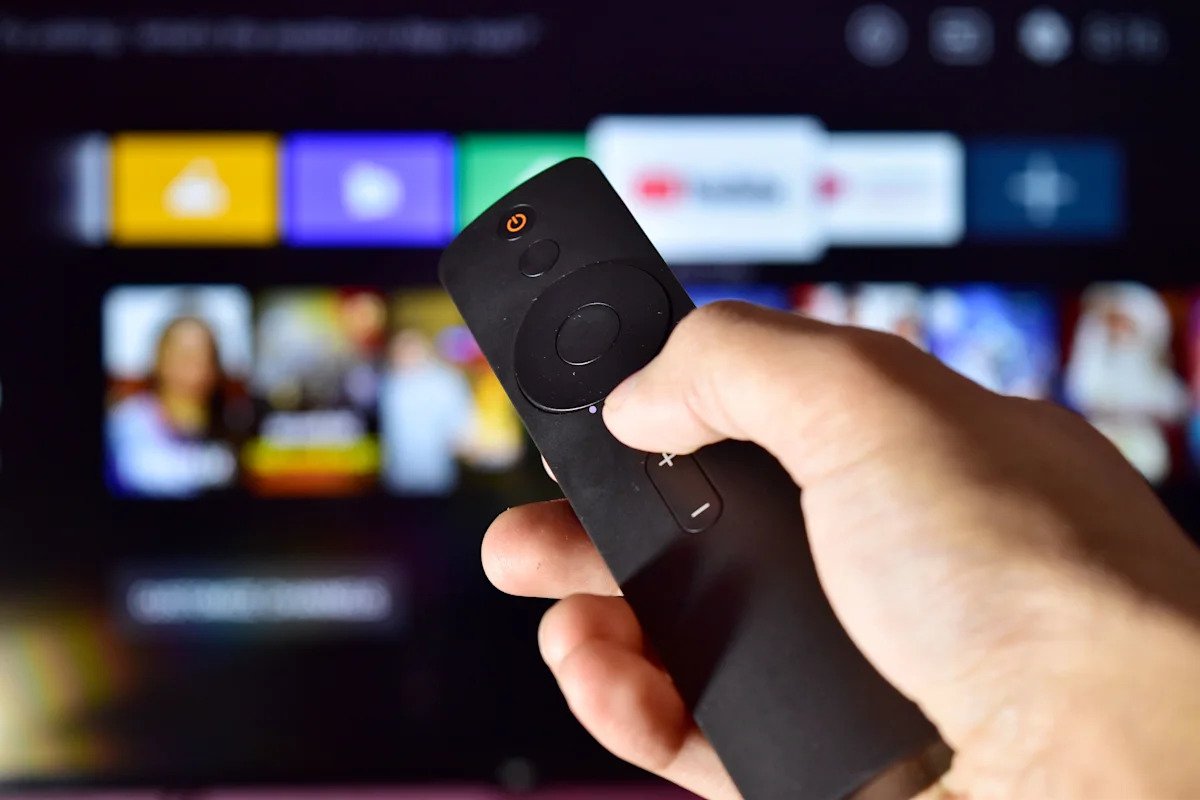
When you purchase a modern Smart TV, you are no longer buying just a display panel; you are buying an ad-delivery engine. Major hardware manufacturers have spent the past decade shifting their primary revenue model from display sales to ongoing software monetization, populating operating systems with autoplaying video banners, tracked recommendations, and sponsored application slots. In response, a growing community of tech-savvy consumers and software engineers has begun utilizing advanced large language models, specifically Anthropic’s Claude, to regain control over their home displays. By generating custom scripts and mapping obscure system dependencies, users are leveraging AI assistance to strip away bloatware and silence persistent telemetry across major television platforms.
Technical Specifications and Architectural Breakdown
Modern Smart TV ecosystems generally run on customized builds of Android TV, Linux, or proprietary Unix-like platforms such as LG webOS and Samsung Tizen. Beneath the user-facing interface sits a dense network of background services handling display drivers, input pipelines, content recommendations, and data analytics. Disabling deep-seated advertisement frameworks historically required extensive reverse-engineering skills, manual system log analysis, and specialized software tools.
The integration of AI models like Claude has altered this technical landscape. Users can now export their television’s active system process list using accessible interfaces like the Android Debug Bridge (ADB) or local network developer consoles. A standard diagnostic query, such as adb shell pm list packages -f, returns hundreds of reverse-domain package identifiers (for instance, com.tcl.partnercustomizer or com.samsung.tv.analytics). When presented with this unstructured diagnostic data, Claude categorizes each package by cross-referencing known system dependencies. The model accurately separates vital hardware abstraction layer components—such as HDMI-CEC controllers, audio routing daemons, and Widevine L1 digital rights management (DRM) modules—from non-essential background metrics collection tools and ad-display interfaces.
After classifying the system manifest, Claude constructs targeted terminal commands, such as adb shell pm uninstall -k --user 0 [package_name]. This command structure disables the designated package for the primary user account without modifying the core read-only system partition, drastically reducing the likelihood of rendering the hardware unbootable. Furthermore, power users are deploying Claude to generate customized regex rule sets for network-level blocklists like Pi-hole and NextDNS. This dual-layer strategy blocks dynamic ad-card fetches at the router level while neutralizing local background resource consumption on the Smart TV itself.
Industry Landscape and Competitive Comparison
This user-driven initiative highlights a systemic conflict within the consumer display market. Television OEMs (Original Equipment Manufacturers) often sell hardware at minimal margins, relying on post-sale monetization through data brokerage and ad impressions to secure overall profitability. As a consequence, default home screens across Google TV, webOS, and Tizen have become increasingly clogged with promotional assets. This background processing overhead frequently leads to interface latency, stuttering navigation, and delayed application launching on mid-range and budget Smart TV hardware.
To combat system slowdowns and regain privacy, enthusiasts apply several remediation techniques, each presenting distinct technical requirements and operational trade-offs.
| Debloating Method | Implementation Complexity | Ad Suppression Efficacy | System Performance Impact | System Breakage Risk |
|---|---|---|---|---|
| AI-Assisted ADB Scripting | Moderate | High | Significant Improvement | Low to Moderate |
| DNS Sinkholing (Pi-hole/NextDNS) | Low to Moderate | Moderate | Negligible | Very Low |
| Custom Launcher Replacement | Low | Moderate to High | Moderate Improvement | Low |
While network filtering stops external ad calls, it leaves useless system processes running in local memory. Conversely, replacing the default home screen with a minimalist launcher hides ads visually but does not halt underlying telemetry. The AI-guided ADB method directly addresses both computational overhead and visual clutter by systematically stopping unauthorized background applications at the OS level.
Practical Consumer & Enterprise Takeaways
While AI-assisted debloating provides an effective mechanism for streamlining Smart TV performance, executing raw scripts on personal devices requires careful evaluation of technical risks.
- DRM and Video Playback Integrity: Careless package removal can disrupt digital rights management chains. Disabling central security modules may force streaming services to drop playback quality from 4K HDR to standard definition (480p).
- Firmware Persistence: Modifications made via ADB user-space commands are typically cleared during major over-the-air (OTA) system updates. Users must maintain backup script libraries to reapply configurations after updates.
- Warranty and Commercial Deployment: While soft-debloating does not physically damage hardware or automatically void manufacturer warranties, commercial settings—such as enterprise video walls or digital signage—should rely on dedicated hardware controllers or official Mobile Device Management (MDM) platforms rather than automated community scripts.
Frequently Asked Questions
Can using Claude to generate debloating scripts permanently ruin my Smart TV?
Using user-space commands like adb shell pm uninstall -k --user 0 carries a low risk of permanent damage, as system files on the read-only partition remain intact. However, removing critical system packages can cause boot loops or app crashes, requiring a factory reset via physical hardware buttons.
Does removing bloatware improve streaming video quality?
Debloating does not alter incoming video bitrates, but it frees up system RAM and CPU resources. This reduces home screen navigation lag, speeds up app launching, and minimizes frame dropping within streaming interfaces.
Will a factory reset restore all original pre-installed apps and ads?
Yes. Because ADB debloating only removes applications from the default user profile without modifying system partitions, initiating a system factory reset restores the television to its original factory state, along with all pre-installed software and advertising modules.
The Bottom Line
The emerging practice of using Claude to clean Smart TV interfaces marks a shift in how consumers interact with ad-supported hardware. By leveraging AI to navigate complex operating system structures, users can restore performance and privacy to their displays. While this technical approach requires diligence to avoid breaking core video services, it offers a powerful countermeasure against the ongoing monetization of consumer living rooms.