
HP Series 3 Pro Delivers Budget-Friendly Dual-Screen Setups
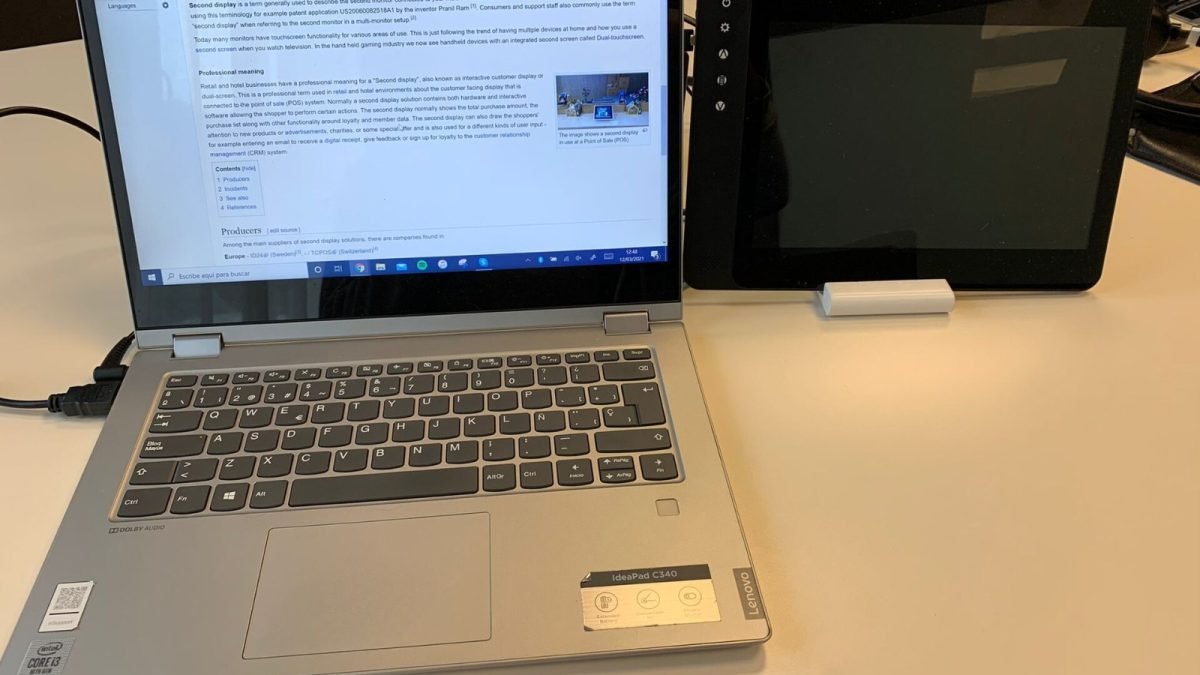
Adding the HP Series 3 Pro to your workstation completely alters how a standard workweek flows. Most professionals spend eight hours a day juggling email clients, sprawling spreadsheets, video conference calls, and browser tabs on a single 14-inch laptop screen. By introducing a secondary display, that frantic alt-tabbing rhythm vanishes within a single afternoon.
By Wednesday of your first multi-screen week, video meetings can sit comfortably on one display while your notes and research stay pinned on the other. By Friday, looking back at a cramped single screen feels nearly impossible. To help streamline your desk configuration, manufacturers like Acer, ASUS, LG, and HP offer compelling portable and desktop screens.
How the HP Series 3 Pro Compares to Competitors
Priced at just Rs. 5,999 after a steep 50 percent discount, the HP Series 3 Pro stands out as the most economical entry point for a dedicated desk monitor. It features a crisp 21.45-inch Full HD IPS panel, ensuring accurate colors and wide viewing angles. Meanwhile, the 100Hz refresh rate delivers noticeably smoother window scrolling compared to standard 60Hz office panels.
- HP Series 3 Pro: 21.45-inch FHD IPS, 100Hz refresh rate, priced at Rs. 5,999.
- LG 22U401A: 22-inch FHD VA panel with anti-glare coating for Rs. 6,999.
- Acer PM161Q B1: 15.6-inch portable IPS monitor weighing 700g for Rs. 6,999.
For remote workers who travel frequently, portable alternatives like the Acer PM161Q or the ASUS ZenScreen provide unmatched flexibility. However, if your setup stays permanently anchored to a home office desk, desktop-focused panels deliver superior ergonomics and better contrast ratios for extended reading sessions.
Real-World Impact on Productivity and Workflow
Upgrading to a multi-monitor configuration directly tackles digital fatigue. Because workers no longer constantly minimize active windows, cognitive load drops significantly. Office environments in particular demand multitasking efficiency, and a second panel bridges the gap between reference files and active document editing.
That said, choosing the right hardware depends entirely on your daily routine. Traditional office setups benefit immensely from HDMI and VGA connectivity found on standard desk displays, whereas modern mobile professionals rely heavily on single-cable USB Type-C connections. You can explore verified product specifications directly on Amazon before regional sales conclude.
The Bottom Line for Everyday Buyers
Investing in a secondary display remains one of the most cost-effective ways to boost daily productivity. Whether you opt for the budget-friendly HP Series 3 Pro or a portable alternative, the shift in your weekly workflow will be immediately apparent. Evaluate your desk space, check your laptop port availability, and secure your display before current promotional discounts expire.