
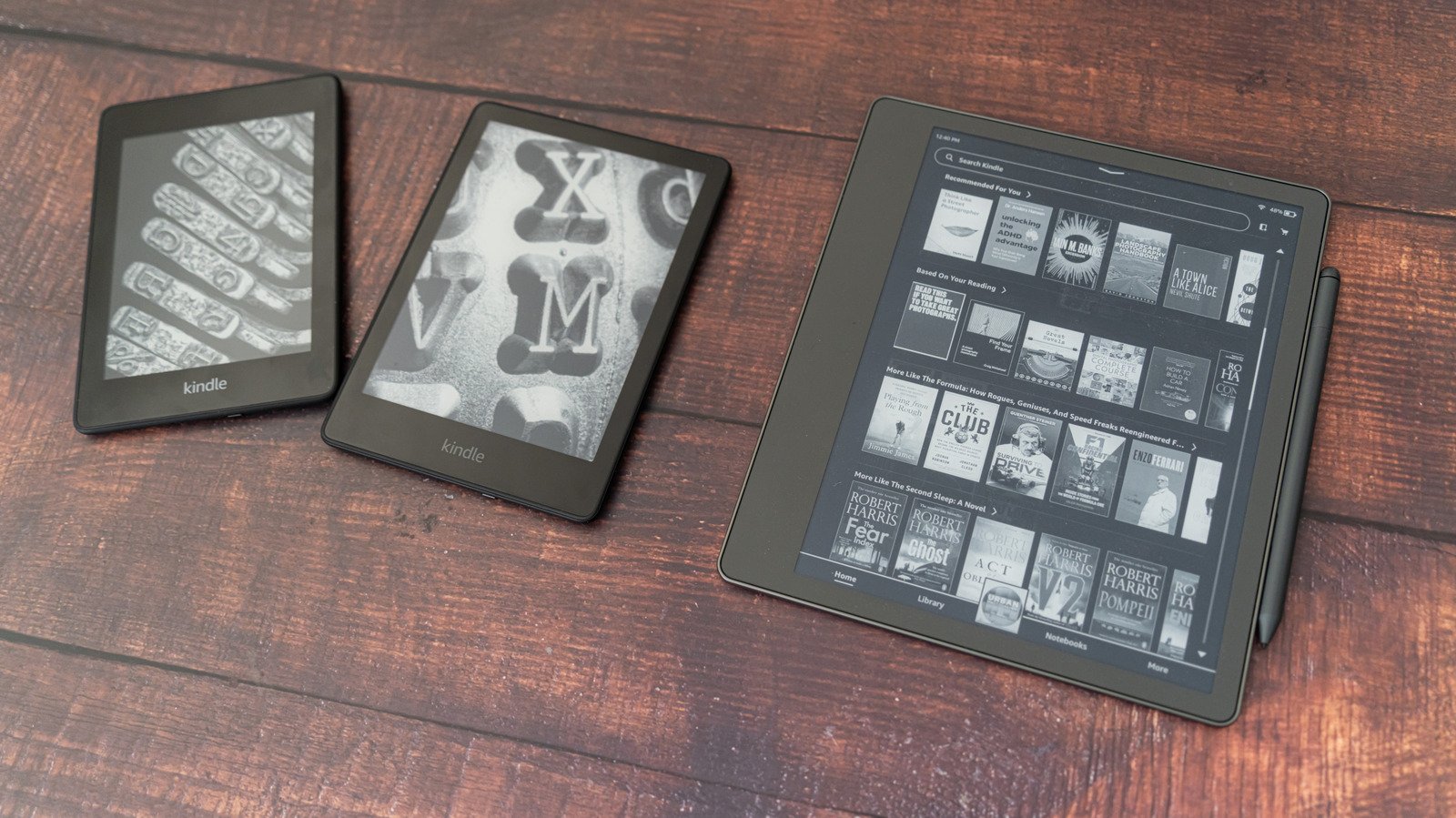
Old Kindle: Amazon Halts Software Updates for Pre-2013 Hardware
Amazon recently ended software support for your old Kindle models released prior to 2013, sparking fresh debates over electronic waste. Devices affected by this cutoff include the Kindle Keyboard, Kindle DX, and the first-generation Paperwhite. Because technology has evolved rapidly over the past decade, the retail giant stated that these legacy units can no longer download new books or access store services directly from the device.
That said, your trusted reader is far from being a useless paperweight. Although direct storefront access is gone, your existing library remains intact as long as you stay logged into your profile. Instead of tossing functional hardware into the local landfill, thousands of tech enthusiasts are now discovering clever ways to repurpose their old Kindle for entirely different daily tasks.
Old Kindle: How to Sideload Content and Keep Reading
If you refuse to let your hardware go, sideloading offers a practical workaround for your old Kindle. By connecting the e-reader directly to a desktop computer via a USB data cable, you can manually transfer EPUB and MOBI files using free software like Calibre. This method bypasses Amazon servers entirely while keeping your favorite novels accessible on the E Ink display.
- Connect your e-reader using a standard micro-USB cable.
- Manage your personal library through desktop tools like Calibre.
- Avoid factory resetting your device to prevent permanent login lockouts.
Repurposing Hardware Into Smart Home Displays
Beyond traditional reading, tech hobbyists are hacking the firmware of an old Kindle to function as low-power home dashboard screens. Because electronic paper draws virtually zero power when static images remain on screen, these modified devices make exceptional wall-mounted displays for weather forecasts, calendar events, or smart home automation controls.
Although these custom modifications require advanced technical tinkering, they give obsolete gadgets a second life in modern households. Instead of contributing to the growing global e-waste crisis, resourceful consumers are turning strict corporate obsolescence into a fun weekend DIY project.
The Bottom Line for Longtime Readers
Ultimately, losing official updates does not mean your old Kindle instantly stops working for offline reading. While newer generations boast higher resolutions and faster processors, older units still deliver the same eye-friendly reading experience they did a decade ago. Take advantage of sideloading or explore custom displays to maximize the lifespan of your hardware.