
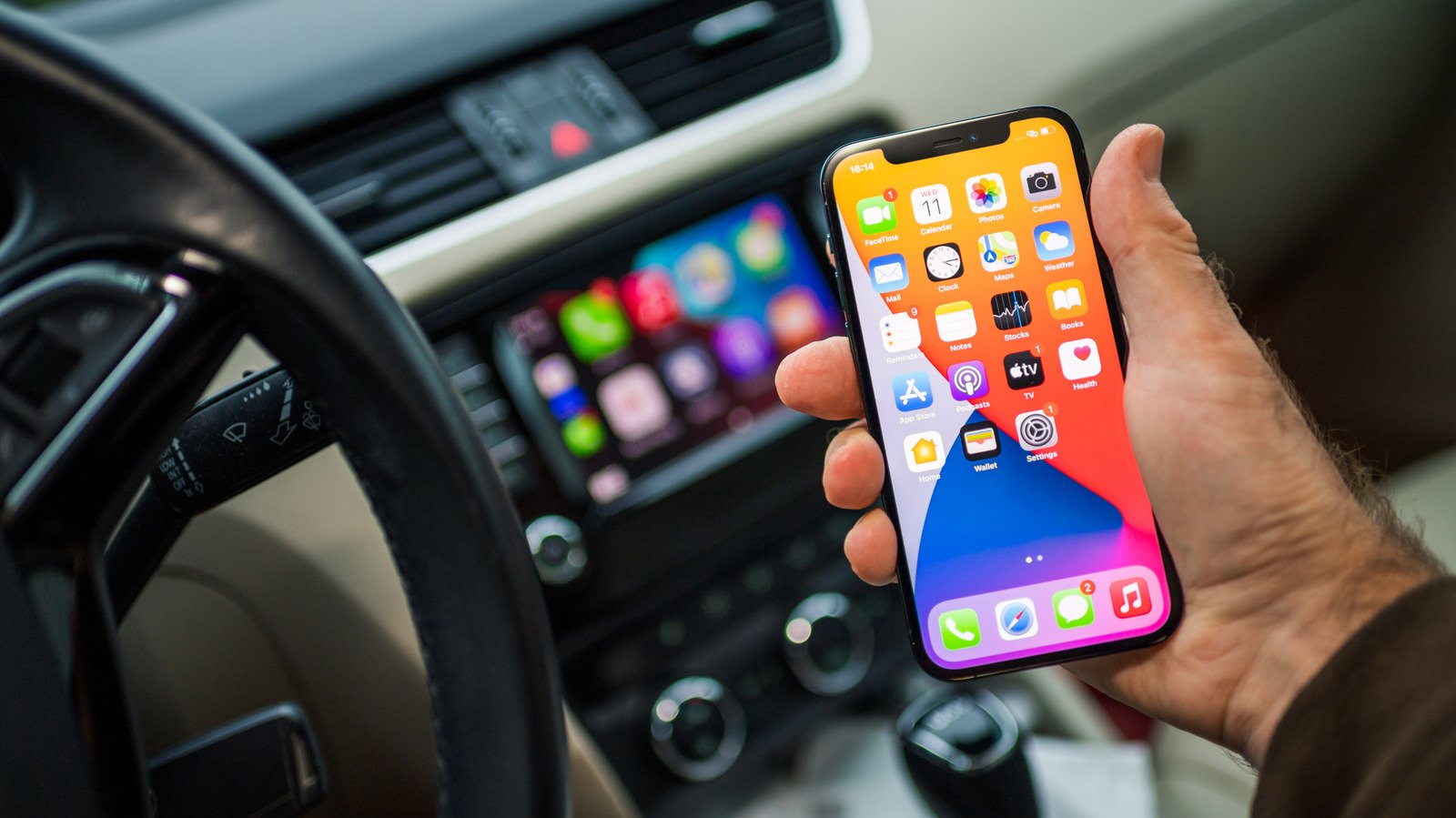
The automotive cockpit has become the latest frontier in the battle for digital attention, and with the release of iOS 27.2, Apple is signaling a shift toward a more proactive, context-aware driving experience. For years, Apple CarPlay has functioned as a tethered extension of the iPhone, prioritizing simplicity and safety by mirroring a subset of mobile applications onto the dashboard. However, the latest update represents a departure from this static approach, moving toward a more fluid, intelligent interface that anticipates user intent. As drivers increasingly demand seamless integration between their personal data and their vehicle’s infotainment system, Apple CarPlay is evolving from a mere display mirror into a sophisticated co-pilot that leverages the deep processing power of the iPhone to manage complex conversational tasks and media consumption.
Technical Specifications and Architectural Breakdown
At its architectural core, iOS 27.2 does not fundamentally alter the underlying communication protocol between the iPhone and the vehicle’s head unit, which continues to rely on the established H.264 video encoding standard for screen casting and high-fidelity audio streaming over Bluetooth or Wi-Fi. Instead, the engineering focus has shifted to the application layer and the integration of the Neural Engine. By offloading complex Siri queries to the iPhone’s local NPU (Neural Processing Unit), Apple has reduced the latency of voice-based interactions, allowing for more natural, conversational exchanges that do not require constant pings to cloud servers.
The restructuring of the Podcasts interface is a notable shift in metadata management. By replacing the legacy “Up Next” queue with a bifurcated system—”New Episodes” and “Continue Playing”—Apple has optimized the database queries required to populate the dashboard. This reduces the number of background processes the iPhone must maintain while the vehicle is in motion. Furthermore, the UI redesign, characterized by the move to a monochromatic aesthetic for the Music app, is not merely cosmetic. It aligns with the system’s broader push toward high-contrast, low-distraction visual design, which improves legibility in varying lighting conditions, such as direct sunlight or low-light highway driving. These adjustments reflect a deeper focus on reducing cognitive load, ensuring that the driver’s eyes spend less time scanning menus and more time on the road.
Industry Landscape and Competitive Comparison
The automotive software market is currently polarized between proprietary OEM systems and platform-agnostic frameworks like Apple CarPlay and Android Auto. While manufacturers like Tesla and Rivian have opted for closed, vertically integrated software stacks, the majority of the market remains reliant on Apple’s ecosystem to provide a modern, smartphone-like experience. The following table outlines how the current iteration of Apple CarPlay compares to its predecessor and the leading alternative in the space.
| Feature | Previous CarPlay | iOS 27.2 CarPlay | Android Auto (Latest) |
|---|---|---|---|
| Voice Intelligence | Basic Command Parsing | Historical Context/Memory | Google Assistant Integration |
| Media Organization | Linear “Up Next” | Bifurcated Tabs | Unified Media Browser |
| UI Design | Icon-heavy/Colorful | Monochromatic/Minimalist | Split-screen/Adaptive |
| Third-Party Support | High | Moderate (Hardware conflicts) | High |
Practical Consumer & Enterprise Takeaways
For the everyday commuter, the iOS 27.2 update necessitates a period of adjustment, particularly regarding media navigation. Users accustomed to the “Up Next” queue may find the new tabbed layout requires an extra tap to reach specific content. However, the trade-off is a significantly cleaner interface that prevents the common issue of accidental playback of unwanted episodes. Enterprise users who rely on hands-free communication will benefit most from the upgraded Siri intelligence. The ability to pull context from calendar attendees and voicemail transcripts means that drivers can effectively manage their schedule without ever touching the handset.
There is a word of caution regarding hardware compatibility. The update has introduced stability issues for specific third-party aftermarket adapters, most notably the APTV units used to enable video playback or wireless functionality in vehicles that lack native wireless CarPlay. Before performing the update, users who rely on these specialized adapters should verify if a firmware patch is available from their hardware manufacturer. If your vehicle relies on an aftermarket dongle for its primary connectivity, it is prudent to delay the iOS 27.2 installation until the hardware manufacturer confirms compatibility.
Frequently Asked Questions
Why did Apple remove the “Up Next” queue in the Podcasts app?
Apple restructured the interface to minimize user interaction time. By separating new content from currently playing media, the system reduces the number of steps required to start a show, thereby aligning with safety guidelines that discourage prolonged screen interaction while driving.
Is the new Siri intelligence capable of accessing my private messages?
Yes, Siri now utilizes context from voicemail transcripts and calendar data to provide more precise responses. This data remains processed locally on the iPhone’s Secure Enclave, ensuring that your personal information is not transmitted to external servers during the conversational query process.
What should I do if my third-party CarPlay adapter stops working after the update?
First, perform a hard reset on your vehicle’s infotainment system and forget the CarPlay connection in your iPhone’s Bluetooth settings. If the issue persists, check the website of your adapter’s manufacturer for a firmware update. Most third-party developers are currently working on patches to address the handshake protocols altered in iOS 27.2.
The Bottom Line
The iOS 27.2 update for Apple CarPlay is a clear indicator of Apple’s long-term strategy: turning the vehicle into a seamless extension of the user’s digital life. While the aesthetic changes and the media reorganization are welcome refinements, the true value lies in the enhanced Siri integration. By allowing the assistant to recall past conversations and synthesize information from across the iPhone’s ecosystem, Apple has created a more capable, albeit slightly more complex, driving companion. While early adopters should be wary of potential conflicts with aftermarket hardware, the overall update provides a cleaner, more intelligent, and safer interface for the vast majority of drivers.