
Smartthings Find: Understanding the Limitations of Galaxy S Pen Tracking
Losing a stylus can disrupt your workday in an instant. If you misplace your SmartThings Find compatible accessory, finding it depends entirely on which specific model you own. Recent technical documentation released by manufacturers reveals that warning notifications on flagship devices do not equal actual tracking capabilities. When you leave your Galaxy S26 Ultra stylus behind in an office meeting room, the phone warns you that the component has not been returned to its designated slot. However, that notification functions strictly as a reminder rather than a precise location finder. Because of this, users frequently assume their built-in hardware possesses GPS or Bluetooth tracking capabilities when it actually lacks the necessary internal components.
Smartthings Find: The Evolution of Stylus Support Across Galaxy Generations
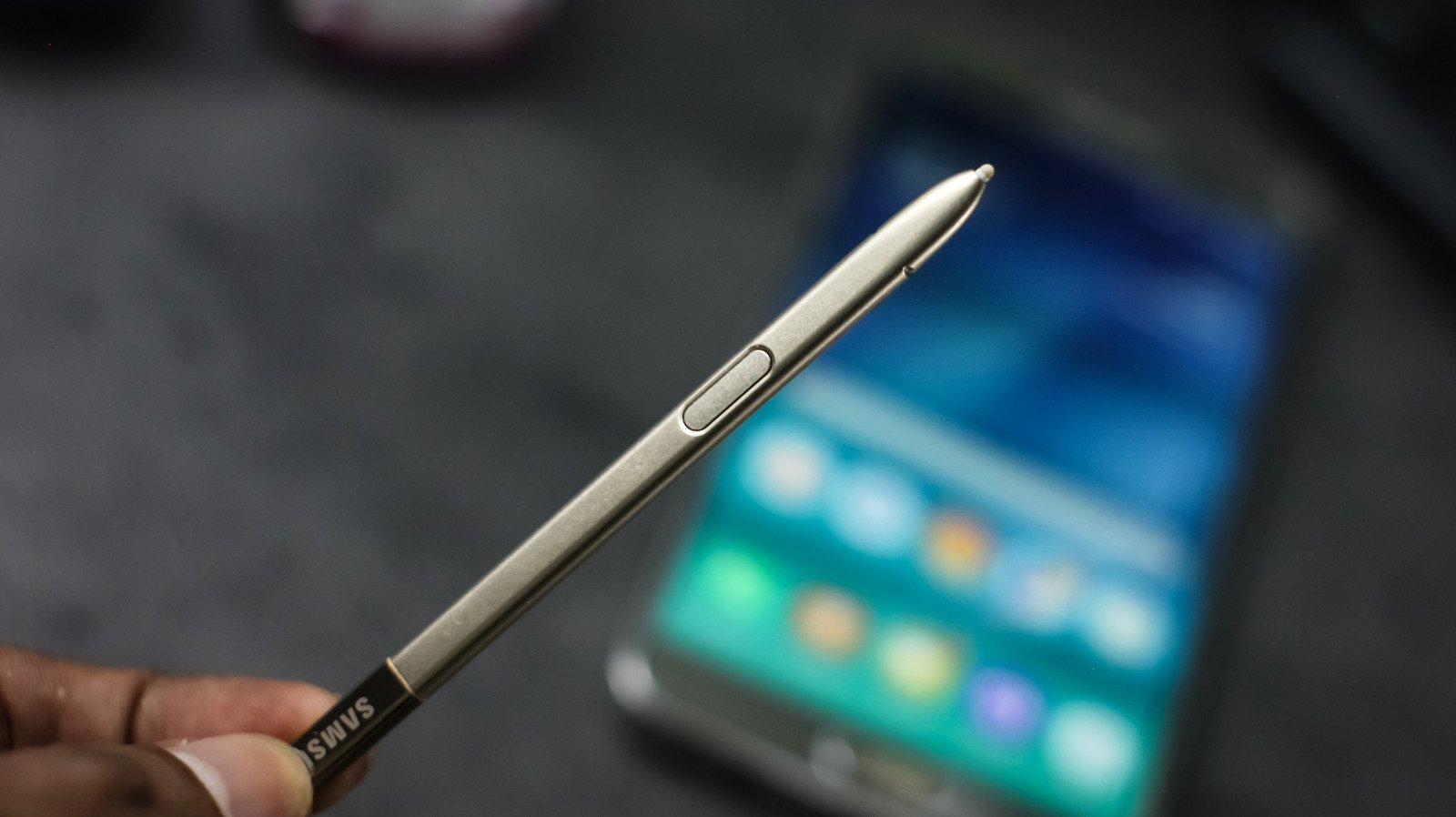
Samsung retired the iconic Galaxy Note series years ago, but the signature stylus lives on inside modern flagship ecosystems. The company introduced external support to the Galaxy S21 Ultra in 2021 before engineering a built-in silo directly into the Galaxy S22 Ultra a year later. Over the years, the S Pen name has covered a wide variety of hardware, ranging from battery-free styli on older note-taking devices to Bluetooth-enabled variants and larger drawing tools for tablets. Although many advanced models feature Bluetooth connectivity for remote camera controls and air gestures, built-in styli cannot be located through SmartThings Find. Samsung removed Bluetooth from the S25 Ultra stylus, and the S26 Ultra followed the same engineering path, prioritizing internal space and weight reduction over remote shortcuts.
Smartthings Find: Why Only the S Pen Pro Works With Tracking Software
Among all available options, the S Pen Pro remains the singular model officially supported for tracking via SmartThings Find. Sold separately for roughly $100, this larger, rechargeable stylus features a USB-C charging port hidden beneath its cap, a dedicated pairing button, and a physical switch for toggling between compatible Galaxy devices. While it pairs seamlessly with a wide range of phones and tablets including the Note 10 series up to the S26 Ultra and Z Fold models, it does not physically fit inside the built-in silo of the latest Ultra smartphones. For more details on compatible hardware, you can read the official Samsung support documentation regarding device ecosystem integration.
How to Configure Offline Finding Before Losing Your Stylus
Preparing your stylus for network tracking requires a specific setup sequence before any misplacement occurs. First, charge your device, select the appropriate connection mode, and hold its physical pairing button for approximately three seconds. Tap connect when the prompt appears on your screen, ensuring you remain signed in to your primary Samsung account. Next, open the SmartThings Find application, navigate to the Life section, open the main menu, and select settings to enable offline finding. Because offline finding must be activated beforehand, configuring these settings early ensures you can locate your gear when it goes missing in public spaces or office buildings.
The Bottom Line for Everyday Mobile Users
Navigating the complex ecosystem of mobile accessories requires careful attention to specific hardware model numbers and software compatibility lists. Although the convenience of built-in phone slots is undeniable, users desiring comprehensive tracking features must invest in standalone accessories like the S Pen Pro. Meanwhile, industry analysts note that future smartphone generations will likely continue balancing internal storage constraints with battery capacity, meaning built-in styli may never feature standalone tracking hardware. By understanding these limitations today, consumers can make informed purchasing decisions and avoid misplaced hardware headaches.