
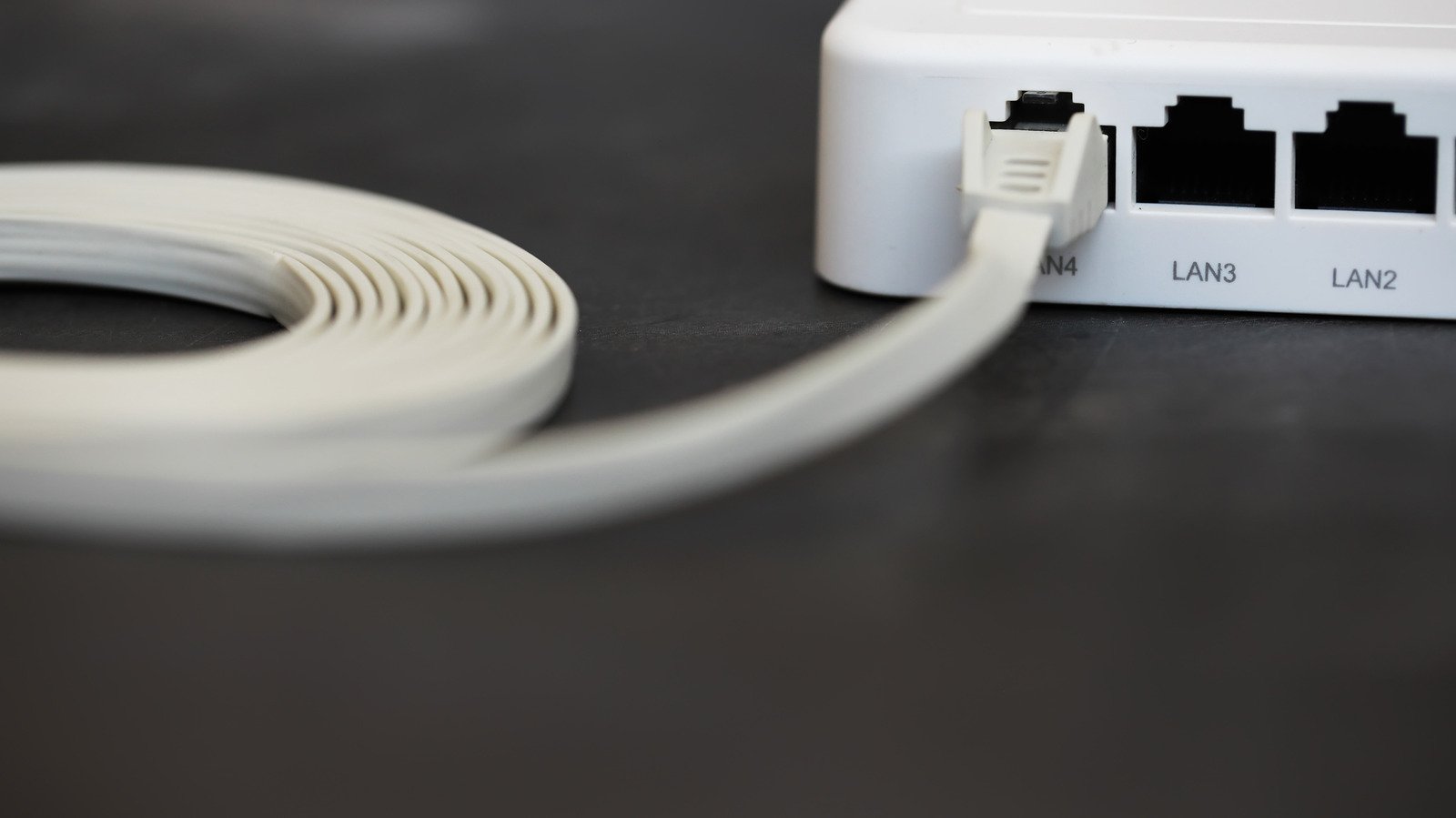
Correction — November 13, 2026: An earlier, incomplete version claimed that flat Ethernet cables necessarily have untwisted conductors and damage network performance. Cable shape alone does not support that conclusion. This replacement explains how to investigate the connection instead.
If a wired connection is slower than expected, check the cable’s specified category, length, condition, and the capabilities of the connected ports. A photograph of the outer jacket cannot establish whether the complete link meets its advertised performance.
Separate link speed from internet speed
The speed negotiated between your computer and the switch or router is not the same measurement as an internet speed test. A slow download may reflect the internet service, the remote server, another device’s traffic, or the local connection. Record both measurements before deciding which component to replace.
A controlled cable comparison
- Record the starting setup. Note the computer, adapter, router or switch port, cable label, approximate cable length, and negotiated link speed.
- Inspect accessible connectors. Look for a broken latch, a visibly damaged plug, or a cable crushed by furniture. Do not open powered equipment.
- Change one component. Substitute a known-good cable while using the same device and port. Avoid changing the adapter, port, and cable together; that makes the cause harder to isolate.
- Repeat the measurement. Check the negotiated speed again and repeat the same transfer or speed test under comparable conditions.
- Record what changed. If the issue follows one cable, replace it with a suitable, clearly specified product. If it remains, investigate the adapter, port configuration, or wider connection.
When a home comparison is not enough
A working connection is not formal certification of the cable’s category. Fluke Networks describes cable qualification using frequency-based measurements and wire-map checks. Such testing assesses properties that a visual inspection or a single download cannot establish.
Before routing a replacement
Choose a cable and installation method suitable for the location. Check the manufacturer’s bend, temperature, and installation guidance. For a permanent run, a difficult route, or power over Ethernet, seek advice appropriate to the actual equipment and installation requirements rather than choosing solely by appearance.
This is a troubleshooting procedure, not a laboratory comparison of flat and round cables. TechOneApp has not measured a specific cable for this article.