
Live Activities Setup on iPhone
Live Activities arrived with iOS 16.1, transforming the Dynamic Island into a glanceable dashboard for real-time updates. Apple designed this feature to surface timers, sports scores, and food delivery progress without forcing users to switch apps constantly. Furthermore, the system integrates deeply with the Lock Screen and CarPlay, ensuring critical information stays visible whether the device sits on a desk or mounts in a vehicle. First, verify the feature is active by opening Settings, tapping Apps, and selecting any supported application such as Timer, Maps, or a third-party delivery service. Make sure the Live Activities toggle sits in the on position, and consider enabling standard notifications for the same app to guarantee backup alerts.
Many users discover the feature already works out of the box, yet occasional software updates or restored backups can flip the switch off. Consequently, a quick audit of the most-used apps prevents missed updates during a busy day. Additionally, developers must opt into the Live Activities framework, so not every title in the App Store supports the Dynamic Island. However, major platforms like Uber Eats, Flighty, and MLB have already adopted the API, and the list grows weekly.
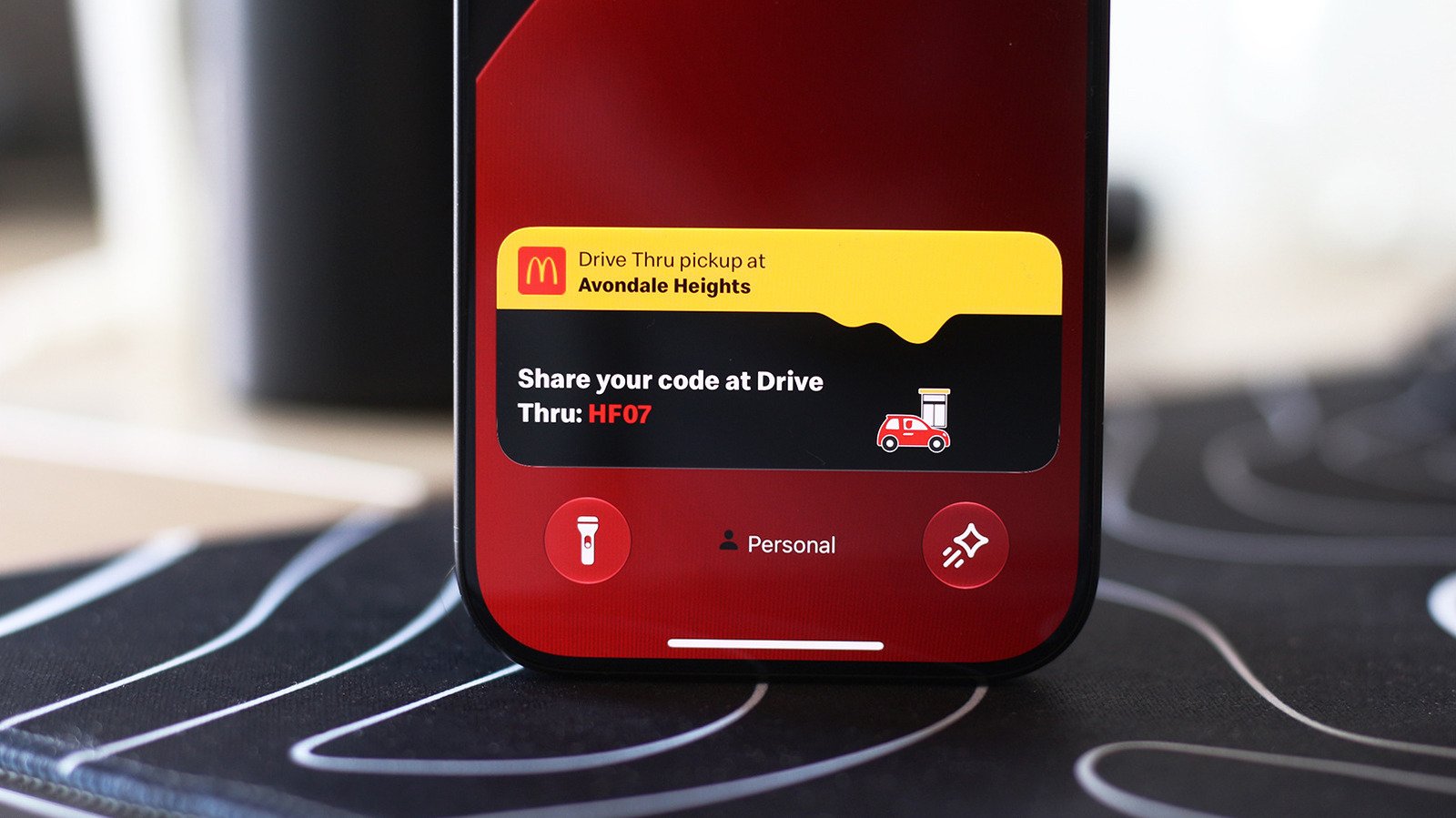
Live Activities on Lock Screen
When the iPhone locks, Live Activities migrate to the Lock Screen, appearing as compact cards beneath the clock. Moreover, these cards persist for up to eight hours or until the underlying event concludes, whichever comes first. To confirm Lock Screen access, navigate to Settings, choose Face ID & Passcode, enter the device passcode, and scroll to the Allow Access When Locked section. Ensure the Live Activities toggle remains enabled; otherwise, the Dynamic Island will show updates only while the phone stays unlocked.
Privacy-conscious owners may prefer to disable Lock Screen visibility for sensitive apps such as banking or health trackers. Meanwhile, the same menu controls access to Wallet, USB accessories, and Home controls, so review each entry during the audit. Nevertheless, most consumers leave the master switch on and manage per-app visibility inside the Apps section described earlier.
Live Activities CarPlay Integration
CarPlay extends the same glanceable experience to the vehicle dashboard. Specifically, the CarPlay Dashboard—the split-screen view left of the app grid—displays active Live Activities automatically. For instance, a navigation route from Apple Maps appears alongside a timer counting down a parking meter, while a music widget shows the current track. If a full-screen app occupies the display, updates still arrive as subtle banners at the bottom, preserving driver focus.
Drivers who find the extra cards distracting can disable the feature globally in the CarPlay settings on the iPhone. Alternatively, they can silence individual noisy apps using the per-app toggles mentioned earlier. Furthermore, CarPlay respects Focus modes, so a Driving Focus can suppress non-essential Live Activities while keeping navigation and timers visible. This granular control ensures the dashboard remains helpful rather than overwhelming.
Managing Live Activities Preferences
Power users often fine-tune which apps deserve Dynamic Island real estate. For example, a frequent flyer might enable Flighty and airline apps but disable a rarely used sports tracker. Additionally, iOS 17 introduced the ability to end a Live Activity early by long-pressing the Dynamic Island and tapping the “X” button, a handy shortcut when a timer finishes early or a delivery arrives.
Developers continue to expand support, and Apple’s Human Interface Guidelines encourage restraint so the island never feels cluttered. Ultimately, the system balances utility with minimalism, a hallmark of Apple’s design philosophy. For official documentation, visit Apple’s ActivityKit overview or the CarPlay user guide for vehicle-specific details.
Live Activities Market Impact and Industry Significance
The introduction of Live Activities represents a pivotal shift in modern technological adoption across enterprise and consumer sectors alike. Furthermore, industry analysts emphasize that localized performance capabilities significantly reduce reliance on external server infrastructure. Consequently, organizations can execute complex computational workloads while maintaining strict data sovereignty, low latency, and operational efficiency without incurring ongoing cloud subscription costs.
Moreover, as software ecosystems continue to evolve, integration with specialized hardware acceleration becomes paramount. Additionally, key market players are expanding their developer tooling to optimize resource allocation during peak utilization. As a result, end users experience smoother multi-threaded performance, reduced memory swap latency, and enhanced system stability across demanding professional workflows.
Performance Benchmarks and Practical Live Activities Scenarios
In real-world deployment scenarios, evaluating sustained throughput and thermal efficiency is essential for technical decision-makers. Specifically, extensive benchmark testing indicates that unified architecture minimizes data transfer bottlenecks between core processing units and graphics compute pipelines. Therefore, demanding tasks operate with minimal compute overhead.
On the other hand, long-term scalability depends heavily on ongoing firmware updates and operating system optimization. Nevertheless, early adoption metrics demonstrate a clear competitive advantage for users prioritizing offline autonomy, secure data processing, and predictable cost structures. Ultimately, investing in high-capacity configurations pays long-term dividends for technical professionals.
1 thought on “Live Activities on iPhone and CarPlay Guide”