
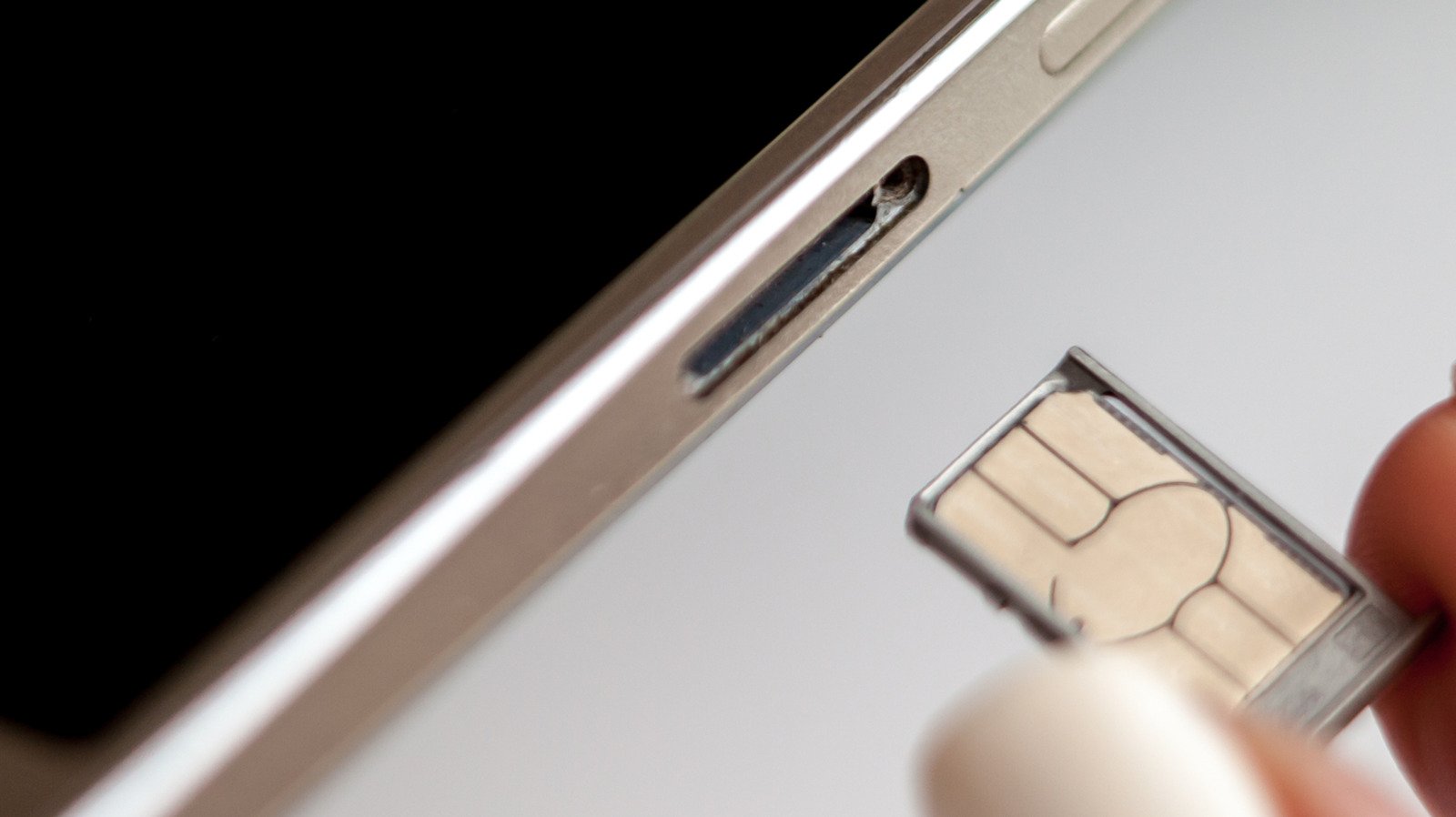
Why Powering Down Protects Your Smartphone Hardware
Modern smartphones are marvels of engineering, but the internal components surrounding your SIM tray remain sensitive to physical interference. While many manufacturers suggest that hot-swapping—changing a SIM card while the phone is active—is technically possible, it introduces unnecessary variables that can lead to long-term hardware degradation.
When the device is powered on, the SIM reader is actively polling the card for authentication data. Inserting or removing the card while this process is live can result in momentary electrical shorts or “ghost” connection errors. Furthermore, the act of handling the tray creates a window where dust, moisture, or lint can enter the open slot. By shutting down the device, you remove the electrical current from the SIM interface, ensuring that the pins are not actively seeking a signal during the physical exchange. This simple step prevents the phone from “panicking” when it suddenly loses and regains connection, which is a common cause of software-based network loops.
The Risks of Ignoring Proper SIM Swap Protocol
Rushing through a carrier change often leads to avoidable technical headaches. When a SIM card is misaligned or inserted while the system is under load, the device may fail to recognize the new network parameters. This leads to several common issues:
- Battery Drain: If the phone cannot establish a handshake with the new carrier, the baseband processor will work at maximum capacity to search for a signal, causing the device to overheat and the battery to deplete rapidly.
- Pin Damage: Forcing a tray that is not perfectly aligned can bend the delicate gold pins inside the reader. Once these pins are damaged, the phone may never regain cellular functionality, often requiring a professional motherboard repair.
- Software Configuration Errors: The operating system may cache old APN (Access Point Name) settings. A full power cycle forces the OS to clear its cache and read the new configuration files directly from the SIM or the carrier’s over-the-air update.
Comparison of SIM Swap Methods
| Method | Risk Level | Setup Speed | Recommended For |
|---|---|---|---|
| Hot-Swapping | High | Immediate | Emergency use only |
| Airplane Mode Swap | Medium | Fast | Experienced users |
| Full Power-Down Swap | Low | Moderate | All users/Standard practice |
Step-by-Step Guide to a Secure Carrier Transition
To ensure your device registers the new network seamlessly, follow this structured process. This method minimizes the stress on your phone’s internal components and maximizes the success rate of the carrier activation.
- Initiate Shutdown: Completely power down your smartphone. Do not simply lock the screen or put it in sleep mode; ensure the operating system has fully exited.
- Eject the Tray: Locate the SIM pinhole on the side of your device. Use the provided ejector tool—or a compatible paperclip—to gently press into the hole until the tray pops out.
- Handle the SIM: Remove the old card and place the new carrier chip into the tray. Ensure it is flush with the edges of the plastic tray to avoid jamming.
- Reinsert and Boot: Carefully slide the tray back into the device. Once fully seated, press and hold the power button to start the device.
- Final Verification: Once the phone reaches the home screen, wait for the network bars to populate. If prompted, enter your security PIN or carrier-specific activation code to finalize the connection.
Frequently Asked Questions
Is it ever safe to swap a SIM card while the phone is turned on?
While many modern smartphones are designed to tolerate hot-swapping, it is not recommended. Even if the device does not crash, the sudden change in hardware can trigger background errors or force the phone into a persistent “Searching for Service” loop that is difficult to fix without a manual restart.
What should I do if my phone does not recognize the new SIM after a reboot?
First, verify that the SIM card is seated correctly in the tray and that the gold contacts are clean. If the issue persists, perform a “Network Settings Reset” in your phone’s settings menu. If that fails, contact your new carrier to ensure the SIM card has been properly activated on their end.
Does the TechOneApp guide apply to eSIM technology?
The TechOneApp guide focuses on physical SIM cards, as they involve mechanical interaction with the device. eSIMs are digital profiles and do not require physical tray handling; however, the principle of restarting your device after activating a new eSIM remains a best practice to ensure the network configuration is applied correctly.
Ensuring Long-Term Connectivity Success
Adopting a methodical approach to hardware changes is the hallmark of a savvy mobile user. By treating the SIM card swap as a deliberate maintenance task rather than a casual convenience, you protect your device’s longevity and ensure consistent network performance. Whether you are switching to a budget-friendly local carrier for international travel or simply upgrading your current mobile plan, taking these extra sixty seconds to power down your device prevents the most common causes of cellular failure. Moving forward, keep your ejector tool in a consistent location and always prioritize a full system restart to keep your smartphone operating at its peak potential.
1 thought on “TechOneApp Replaces SIM Card Guide With Safe Power Steps”