
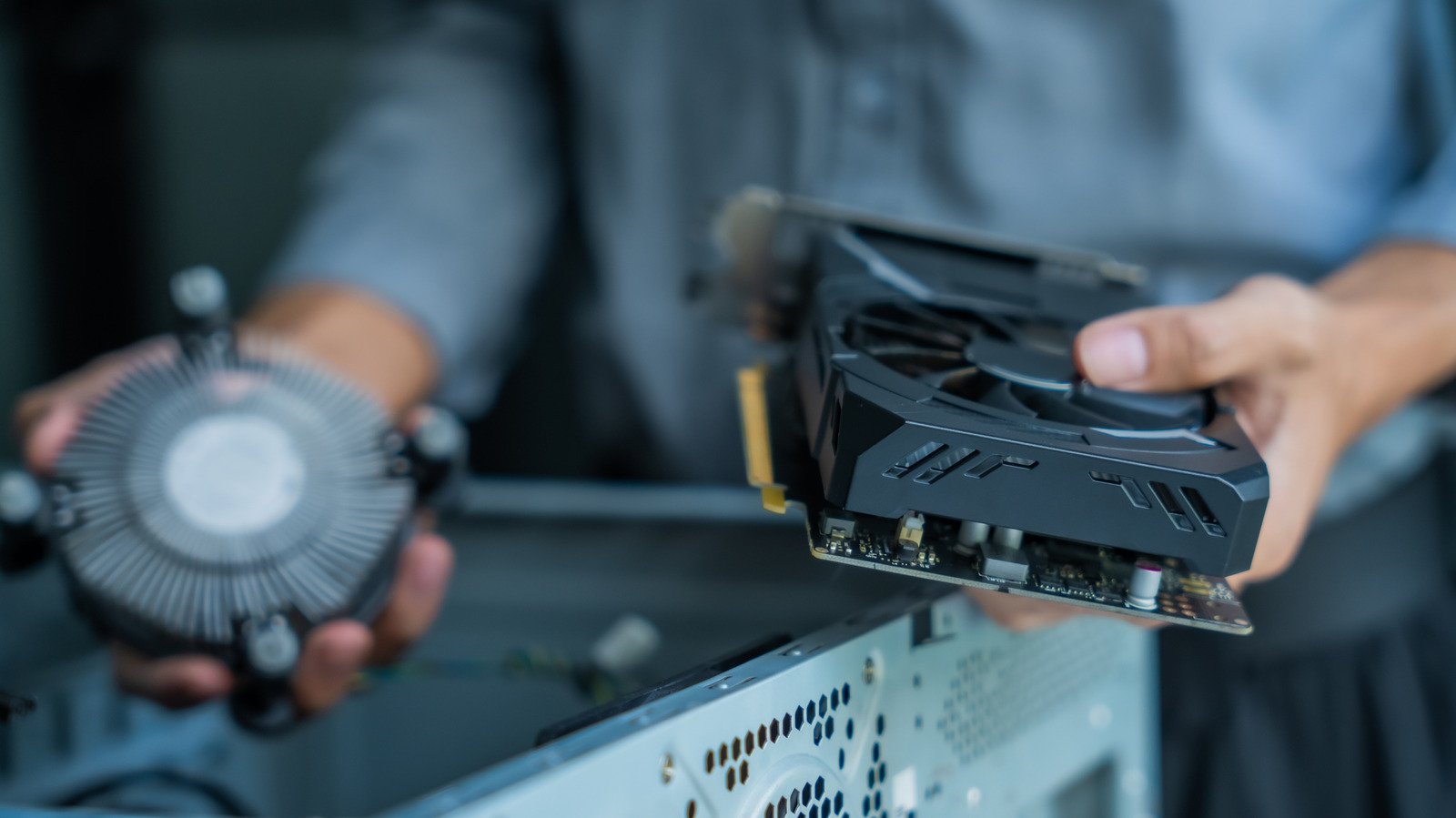
In the current era of high-density silicon, the pursuit of maximum clock speeds has shifted from simple voltage adjustments to the complex discipline of thermal management. When enthusiasts assemble high-end gaming rigs or professional workstations, the focus frequently gravitates toward the raw specifications of a graphics card or the core count of a CPU. However, the most sophisticated hardware is rendered ineffective if it cannot shed its waste heat efficiently. Mastering PC airflow is no longer an optional hobbyist skill; it is a fundamental requirement for sustaining performance and ensuring the longevity of expensive components in a thermal environment that grows more demanding with every product generation.
Modern hardware, particularly flagship GPUs with power draws exceeding 400 watts, creates significant thermal loads that can quickly saturate the interior of a standard chassis. When heat is trapped, the system enters a state of thermal throttling, where the silicon intentionally downclocks to protect itself from permanent damage. This phenomenon manifests as stuttering frame rates and reduced computational throughput. Understanding the physics of thermal dissipation transforms a standard build into a reliable, high-performing machine that functions as intended under sustained workloads.
Technical Specifications and Architectural Breakdown
Effective thermal management is governed by the principles of fluid dynamics and convection. The primary objective is to create a directional flow of air that minimizes turbulence and maximizes the volume of cool air passing over heat-generating components. The internal architecture of a chassis must be treated as a controlled environment where air enters through filtered intakes and exits through dedicated exhaust points.
The most robust thermal strategy relies on the concept of positive pressure. By configuring intake fans to move a higher volume of air into the chassis than the exhaust fans move out, builders create a slight increase in internal atmospheric pressure. This pressure forces air out through every available vent and aperture, effectively preventing dust from entering the system through unshielded gaps. Conversely, negative pressure—where exhaust exceeds intake—creates a vacuum effect that pulls unfiltered air through every seam, leading to rapid dust accumulation on heatsinks and PCB components.
Fan selection is equally critical. While 120mm fans remain the industry standard for their balance of static pressure and acoustic profile, 140mm fans offer a superior performance-to-noise ratio. Because a 140mm fan can move the same volume of air at a lower rotational speed than a 120mm fan, it generates less audible vibration and turbulence. When selecting fans for front intake positions, builders must prioritize static pressure fans, which are engineered to force air through restrictive mesh panels and drive cages, rather than airflow-optimized fans designed for unobstructed exhaust duties.
Industry Landscape and Competitive Comparison
The market for cooling solutions has evolved alongside chassis design. Older, “hot-box” style cases have largely been replaced by high-airflow designs featuring perforated front panels and dual-chamber layouts. These modern designs separate the power supply and storage drives from the main thermal chamber, allowing for a more streamlined path for cool air to reach the GPU and CPU. The following table compares common thermal management strategies across three distinct hardware generations.
| Feature | Legacy Mid-Tower (2015) | Modern High-Airflow (2024) | Dual-Chamber “Fish Tank” |
|---|---|---|---|
| Front Intake | Restricted (Solid Panel) | High-Permeability Mesh | Side/Bottom Intake |
| Thermal Path | Obstructed by Drive Cages | Direct Path | Vertical Chimney Effect |
| Pressure Bias | Often Negative | Positive | Adjustable/Positive |
| Dust Mitigation | Minimal | High (Magnetic Filters) | Moderate (Bottom Filter) |
Practical Consumer & Enterprise Takeaways
For the average builder, the most significant gains in thermal efficiency are often found in case placement. Positioning a tower inside a closed cabinet or on deep-pile carpeting effectively suffocates the intake and exhaust ports. A system should always be placed on a hard, elevated surface to allow for adequate clearance, especially if the power supply draws air from the bottom of the chassis.
Upgrading to high-quality fans is one of the most cost-effective performance boosts available. Stock fans included with budget cases are often designed for aesthetics rather than longevity or performance. Replacing these with premium units—utilizing fluid dynamic bearings—can reduce system noise by several decibels while simultaneously lowering internal temperatures by 3 to 5 degrees Celsius under load. Furthermore, users should utilize motherboard BIOS settings to create custom fan curves. Rather than allowing fans to spin at a fixed speed, a curve that scales based on CPU or GPU temperatures ensures the system remains quiet during idle tasks while ramping up performance only when necessary.
Frequently Asked Questions
Is “more fans” always better for cooling?
No. Adding excessive fans can create internal turbulence, where air currents collide and create “dead zones” where heat becomes trapped. A well-optimized setup with three high-quality, strategically placed fans will consistently outperform a poorly configured build with six or more fans.
How often should I clean my dust filters to maintain airflow?
In a typical home environment, dust filters should be checked monthly. If your system is placed on the floor, you may need to clean them bi-weekly. A clogged filter increases static pressure resistance, which forces your fans to work harder and reduces the total volume of air moving through the system.
Does liquid cooling eliminate the need for case airflow?
Liquid cooling handles the transfer of heat from the processor to a radiator, but it does not remove the heat from the case. The radiator must still receive a constant supply of cool air to function. Furthermore, components like the VRMs (Voltage Regulator Modules) and M.2 SSDs rely on case airflow for cooling, as they are not typically covered by liquid loops.
The Bottom Line
Achieving optimal PC airflow is a process of balancing physics, component requirements, and environmental constraints. While the allure of high-end specifications often dominates the assembly process, the thermal envelope is the true ceiling for hardware performance. By prioritizing positive pressure, selecting fans based on their intended duty—static pressure for intake, airflow for exhaust—and maintaining clean air paths, builders can ensure that their systems remain stable, quiet, and capable of delivering peak performance for years. Investing time in thermal tuning is not merely an exercise in maintenance; it is an essential practice for any serious hardware enthusiast.